
With my service provider background holding a large place in my heart i am always extra excited when new features in Zerto land that are aimed directly at our service providers.
one of these features in Zerto 9 is the ability to enable tenants to restore files and folders directly back into production VM’s or download compressed inside the web browser from all the journal recovery points. this means that without any intervention from your service provider a tenant can access files and folders from mere seconds go and self service restore them, and remember all this without snapshots or any production impact .
lets run through the process of how a tenant can access this :
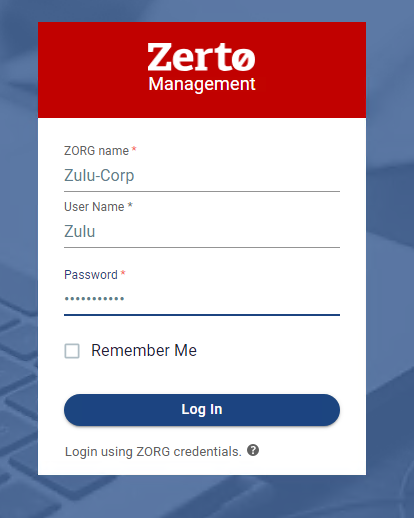
- log into to your service providers ZSSP (if they have enabled the VCD Tenant UI this can be done from inside VCD)

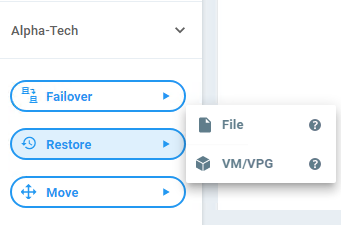
2. Navigate to the Restore Button and click restore file
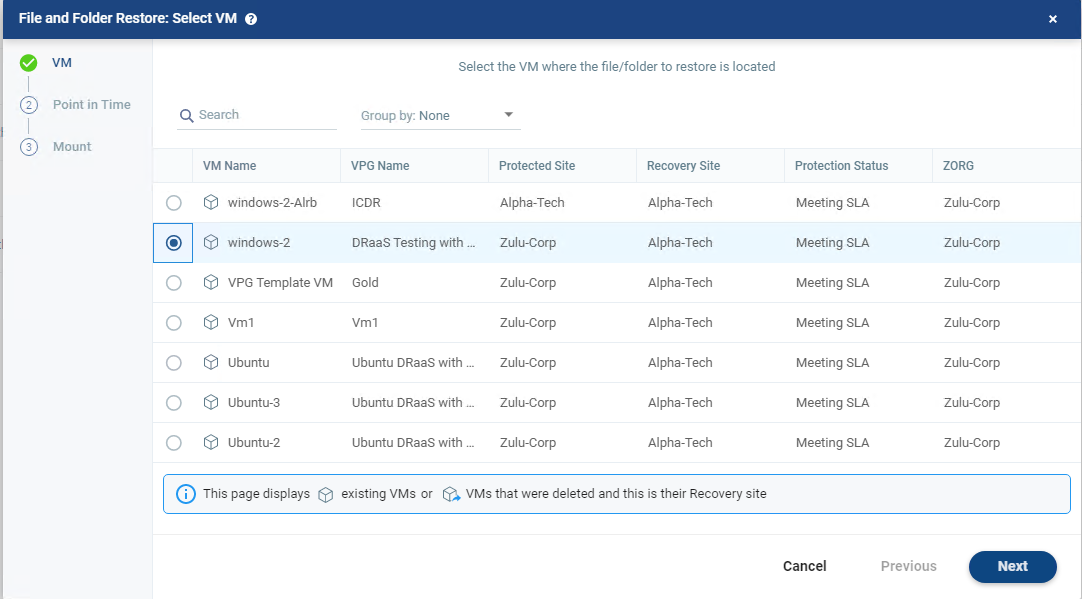
3. The wizard will open up and you can select which VM you would like to recover files and folders from
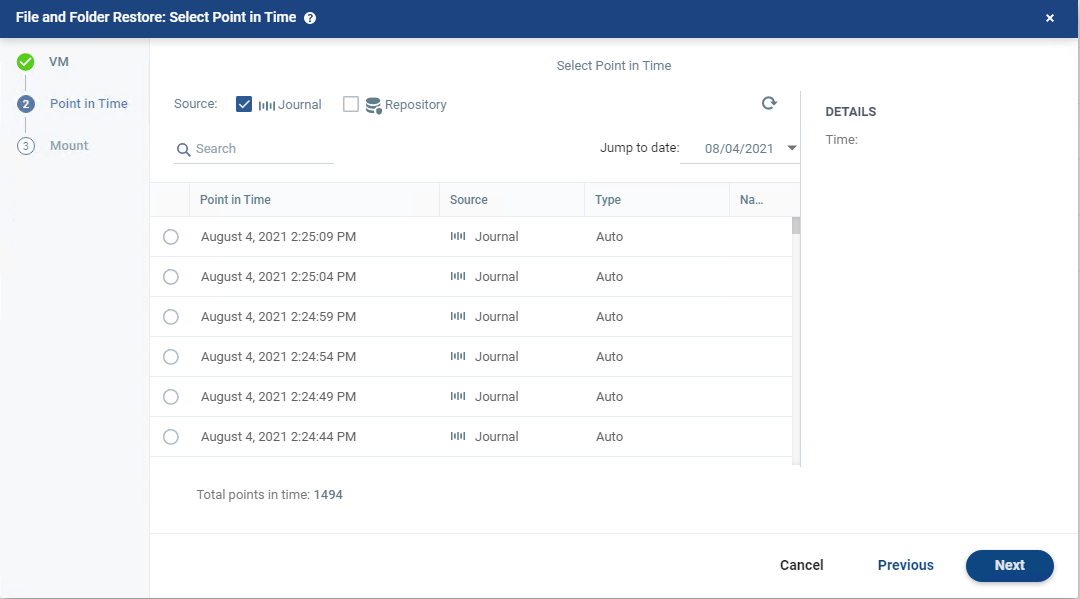
4. the next page is where the tenant can select the journal point in time that they want to “rewind” the files and folder to – Note the 1494 points in time to recover from.
5. now select to mount the view of the files and folders – this uses no additional compute resources as we do not build any infrastructure or VM’s during this process meaning no additional costs.
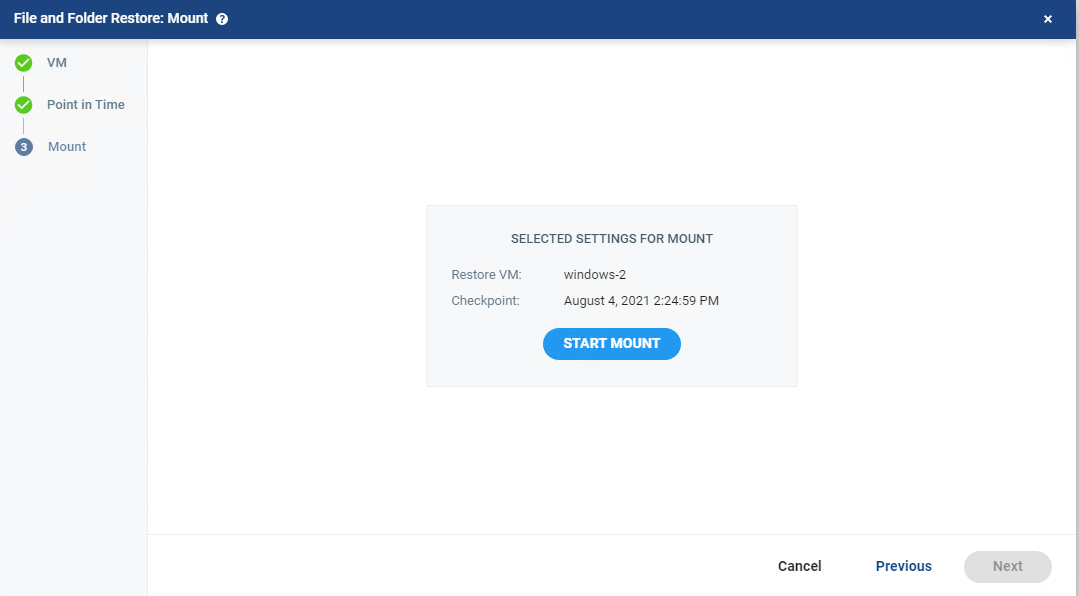
6. the mount process will now start and can take a couple of minutes to complete

7. once the mount completes you will now be able to open up the rewinded point in time to view the files and folders
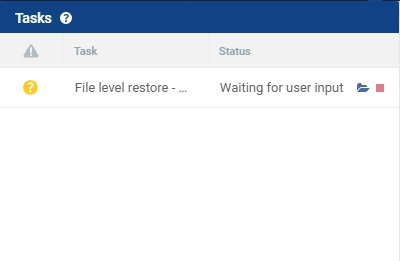
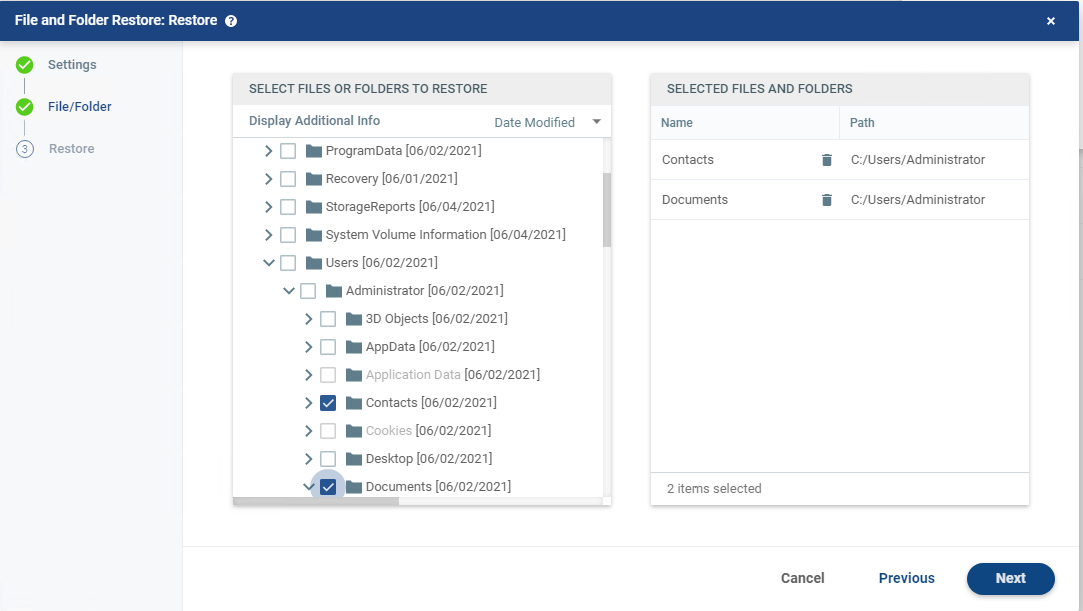
8. you will now see the VM you have chosen with the disks available to browse, here is where you select the files and folders you want to recover.
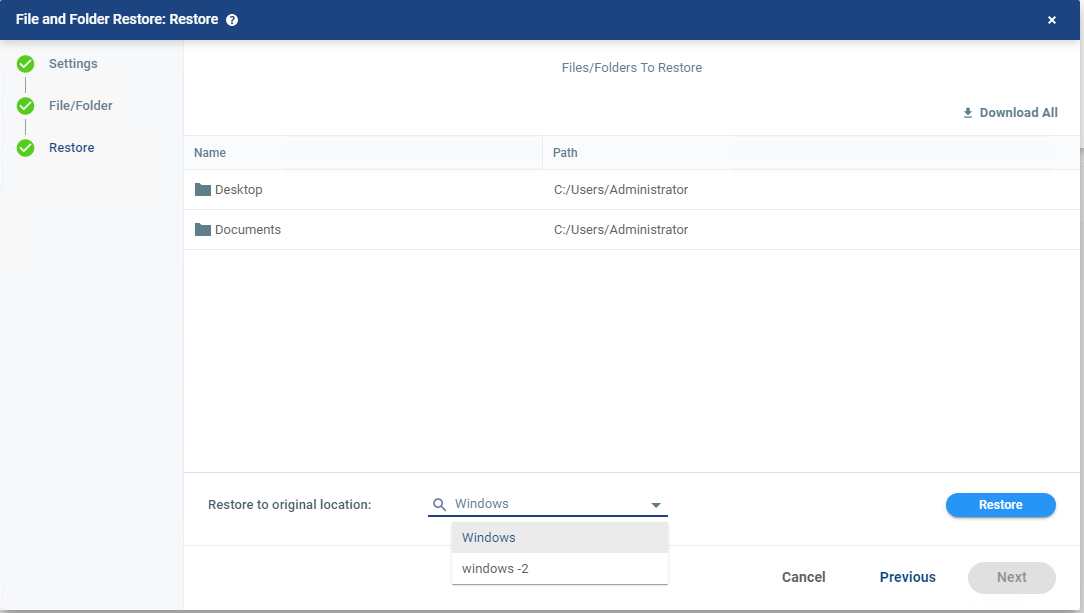
9. you now get your recovery options – you can ether restore instantly back into the production VM using guest OS credentials you have pre-configured or you can download them compressed inside of the web browser.
7. once this is done you can stop the mount – one thing to note as whilst this process is ongoing Zerto is still replicating the data therefore maintaining that ~5 second RPO
watch the full video here:
Thanks for reading
Chris

 VChrisRogers